Palworld Server Hosting
Palworld 1.0 is live. World Tree, the bigger map, and server clustering readiness. Mods, crossplay, and your co-op save brought over for free, live in seconds.
Configure your server
- PC
- Steam
- Xbox
- PS5
- Mac
Live in under 60 seconds:
Free subdomain
NVMe SSD storage
Powerful AMD CPUs
Automatic backups
Fast support
DDoS protection
PalWorldSettings.ini
Generate your settings before checkout
Import an existing file or start from Palworld 1.0.3 defaults, check risky settings, and export a valid INI. Share links omit server and admin passwords.
Password keys never go into the share link.
Palworld Dedicated Server Hosting
Palworld dedicated servers with auto-updates, instant setup, a simple settings editor, and your world uploaded in a few clicks.
Always on the latest Palworld
The World Tree, the bigger map, and server clustering are on every Palworld server. When Pocketpair ships a new dedicated build, we auto-update so your group stays on the same version.
Add Mods to Your Palworld Server
Palworld modding lives in the community, mostly through Nexus Mods, and server-side support is still limited compared to games like Minecraft, so there is no official one-click mod catalog. What we give you is full file access through the panel and SFTP, so you can install server-compatible mods and configs without wrestling the filesystem. Our wiki covers what works server-side today.
One-Click Palworld Dedicated Server
Your Palworld dedicated server is live the moment you check out. No SteamCMD, no port forwarding, and no editing PalWorldSettings.ini by hand. Pick a plan, hit start, and share the address with your friends in under a minute.
Server Settings & PvP, Made Simple
PalWorldSettings.ini is notoriously fiddly. Our panel gives you a settings editor instead, so you can change difficulty, PvP, day and night length, capture and breeding rates, and more without touching a config file. Admin commands and full file access are there when you want to go deeper.
Crossplay & Co-op
Your friends on Steam, Xbox, PS5, and Mac can all play on the same dedicated server. Steam players join by IP or the server browser, while Xbox and PS5 players join from the in-game community server list, which we enable for you. Progress is tied to each platform, so there is no cross-progression.
Move Your Existing Save
Already started a world in single-player or co-op? Bring it with you. Upload your existing save through the panel and keep your base, your Pals, and your progress. Switching from another host? Our team moves your server over for free.
High-Performance Hosting
Every Palworld server runs on powerful AMD and Intel CPUs with NVMe storage, so big bases, large Pal counts, and busy servers stay smooth. Enterprise DDoS protection and automatic backups are included on every plan.
Your Palworld server, all in one place.
Palworld hosting with one-click setup, Ryzen hardware, and a panel for the day-to-day.
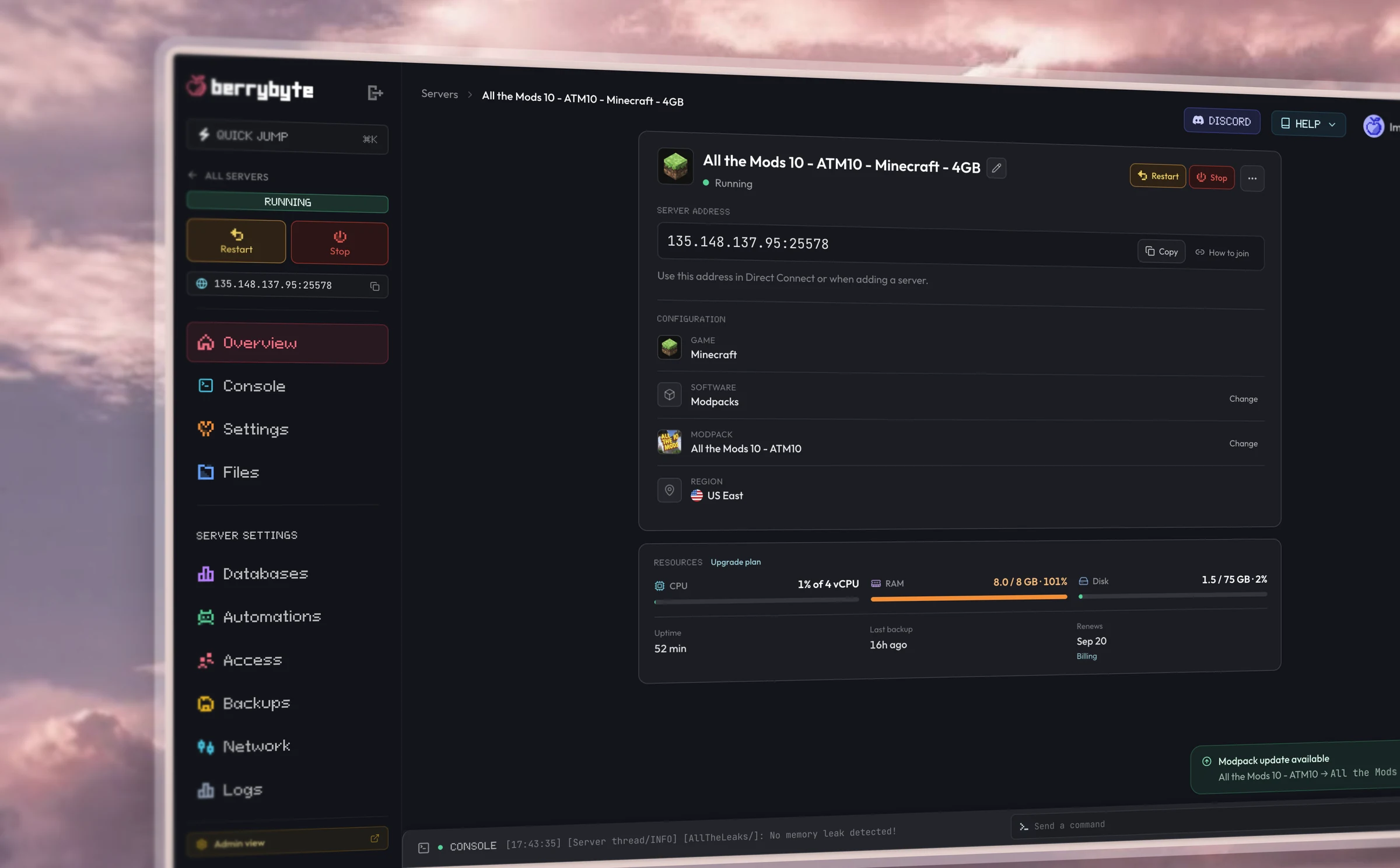
Dashboard
Simple browser controls.
Restart, console, files, settings, and backups from one place in your browser.
Hardware
Fast performance.
AMD Ryzen CPUs, Gen 4 NVMe storage, and DDoS protection included in every plan.
Setup
One-click server setup.
Pick a plan, start the server, and invite your friends. Live in seconds.
Some berry guides
How to Set Up a Palworld Dedicated Server
How to Install Mods on a Palworld Server
Palworld Server Settings Explained
Frequently asked questions
Palworld questions
Do you keep Palworld servers on the latest version?
Yes. We auto-update your dedicated server when Pocketpair ships a new build, including the current 1.0 line with the World Tree and the bigger map. Restart after an update so everyone joins on the same version.
Can I add mods to my Palworld server?
Yes. Palworld modding is community-driven (mostly Nexus Mods) and server-side support is still limited, so there is no one-click mod catalog. We give you full file access through the panel and SFTP, so you can drop in server-compatible mods and configs without fighting the filesystem.
Who can join, and does crossplay work?
A Palworld dedicated server supports crossplay across Steam, Xbox, PS5, and Mac. Steam players join by IP or the server browser; Xbox and PS5 players join from the in-game community server list, which we enable for you. There is no cross-progression, so each platform keeps its own save.
Can I move my single-player or co-op save?
Yes. Upload your existing single-player or co-op world through the panel and keep your base, your Pals, and your progress. Moving from another host? Our team transfers your server over for free.
How many players can join?
Palworld dedicated servers support up to 32 players. Plans start at 4 players for small co-op, with 8 players recommended for most groups. Scale up anytime as more friends join.
Can I change PvP, difficulty, and other settings?
Yes. Use the Palworld Server Settings Generator to build or import PalWorldSettings.ini for Palworld 1.0.3. Settings → Game Settings in the panel covers the most common changes.
Getting started
How fast is setup?
Your server goes live the moment you check out. Most players are online within a minute.
Do I need any technical knowledge?
Everything runs from a simple control panel. You can start your server, install mods, and change settings in a few clicks.
Can I switch games later?
Each server runs one game. Create a new server for a different title, and keep the old world as a Server Save if you want to return to it.
Server plans
What if I need more RAM or storage?
Upgrade your plan in a couple of clicks. Your world, mods, and settings carry straight over.
Do you offer backups?
Yes. Automatic backups are included on every plan, and you can take manual snapshots anytime.
Can I upgrade anytime?
Yes. Scale up whenever your community grows, and you only pay the difference.
Billing
What payment methods do you take?
All major credit and debit cards and PayPal.
Do you offer a money-back guarantee?
Yes. If you are unhappy with a new purchase, tell us within 3 days and we will issue a full refund.
Can I cancel anytime?
Yes. Cancel from your dashboard whenever you like. There are no contracts and no cancellation fees.
Do you discount yearly billing?
Yes. Yearly includes three months free; you pay for nine months and get twelve.
Locations & support
Where are your servers?
We host in low-latency locations across North America, Europe, and Asia, so you can play close to home.
How do I get support?
Open a ticket or message us on Discord. Our team of real gamers and engineers replies fast.
Is DDoS protection included?
Yes. Enterprise-grade DDoS protection comes standard on every server at no extra cost.